
Insights · October 13, 2026
Rank in ChatGPT after Business Hub: a claimed profile keeps your facts current, it doesn't earn the mention
OpenAI launched Businesses in ChatGPT on November 10: claim your profile, update feeds, see mentions and clicks. What it means if you want to rank in ChatGPT, and what it doesn't change.
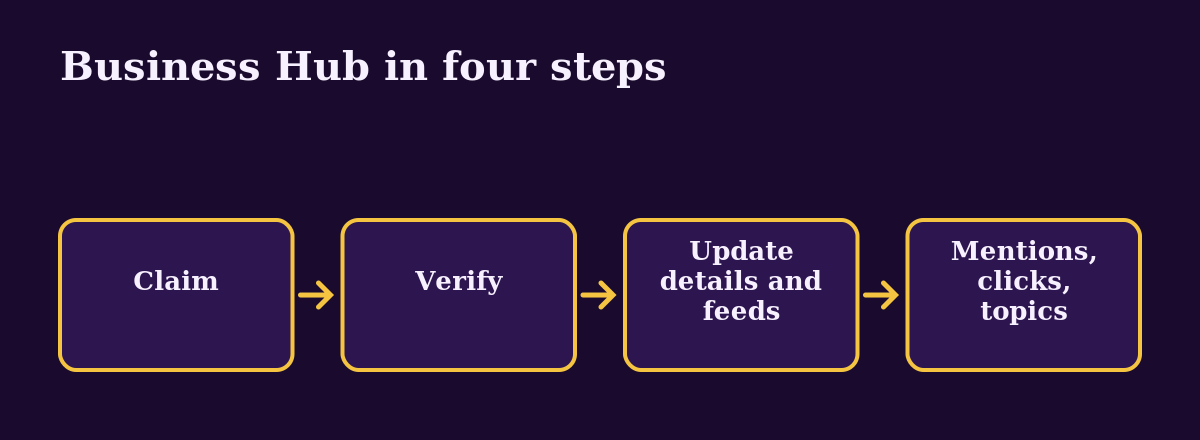
If you want to rank in ChatGPT, the news to read this week landed on November 10, when OpenAI launched Businesses in ChatGPT in beta. Through a new Business Hub, a company can claim its organization, update key details once verified, and add product feeds with pricing and availability. Shopify merchants can connect a store to speed up verification. OpenAI puts ChatGPT's reach at 1.2 billion people a week.
What the hub gives you
Business Hub shows aggregated insights: the number of mentions and website clicks a business receives, plus discovery topics, the common themes across conversations where its website is cited. OpenAI says it doesn't share user conversations, and insights appear only once there are enough conversations to meet its thresholds. Eligible ecommerce and online service businesses in the US can also build a Business Agent, which people can open from a business's ChatGPT profile. The Verge reported that OpenAI isn't sharing specifics on how verification is checked.
What it doesn't change
Nothing in the announcement says a claimed profile earns a place in an answer. A profile or agent opens only after a business already appears in a model response, and OpenAI calls agent chats distinct from ChatGPT's independent answers. Sponsored placements are labeled and kept separate too. So the hub keeps your facts current and shows you counts, while getting named still comes from the pages and sources ChatGPT reads. An earlier look at ChatGPT naming about three brands per buying answer shows how few of those slots there are.
What we check first now that the hub is live
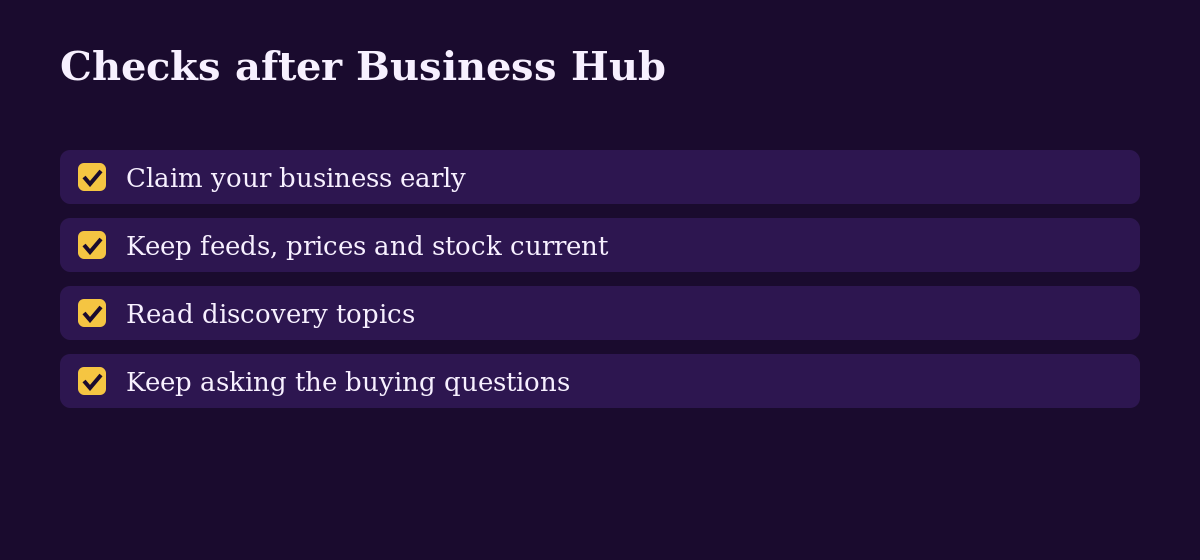
- Claim your business early, so the details ChatGPT shows come from you.
- Keep product feeds, prices and availability current, since ChatGPT shopping answers now flag items that are out of stock.
- Read discovery topics as a list of the themes where you're cited, then strengthen the pages behind them.
- Keep asking the buying questions you want to win, since the hub doesn't share the conversations behind its counts.
Stock data already shows up in answers: Search Engine Watch spotted red out-of-stock labels in ChatGPT shopping results on November 11. If you plan to launch a Business Agent, UbiPrompt explains why its instructions box deserves the same testing as any prompt, and BuyAISearch weighs agencies against GEO platforms for anyone deciding who should read these new numbers.
Why ChatGPTKing
ChatGPTKing has one focus: getting your brand into ChatGPT and ranking your business in AI. A claimed profile tells ChatGPT who you are; our ChatGPT social listening hears whether it names you when buyers ask. No monthly retainers; you pay only for compute, managed by neetbros. We are independent of OpenAI and never sell ChatGPT ad inventory, and your Business Hub profile stays yours to claim. When you want to be named, not just listed, neetbros AI visibility campaigns for brands that want the mention follow the buying questions you care about. Request a private review.
Want your brand in ChatGPT? Request a private review. Campaigns delivered with neetbros campaigns.